If you use Expert Advisors (EAs) in MetaTrader 5 — you need a VPS. Without one, the terminal only works when your computer is on, which means downtime in trading and missed trades. In this article we'll figure out which VPS is best for MT5 in 2026, what free options exist, and what to look for.
Why You Need a VPS for MT5
An advisor only works when MetaTrader is running. If you turn off your computer:
- ❌ The advisor stops analyzing the market
- ❌ Can't open/close trades
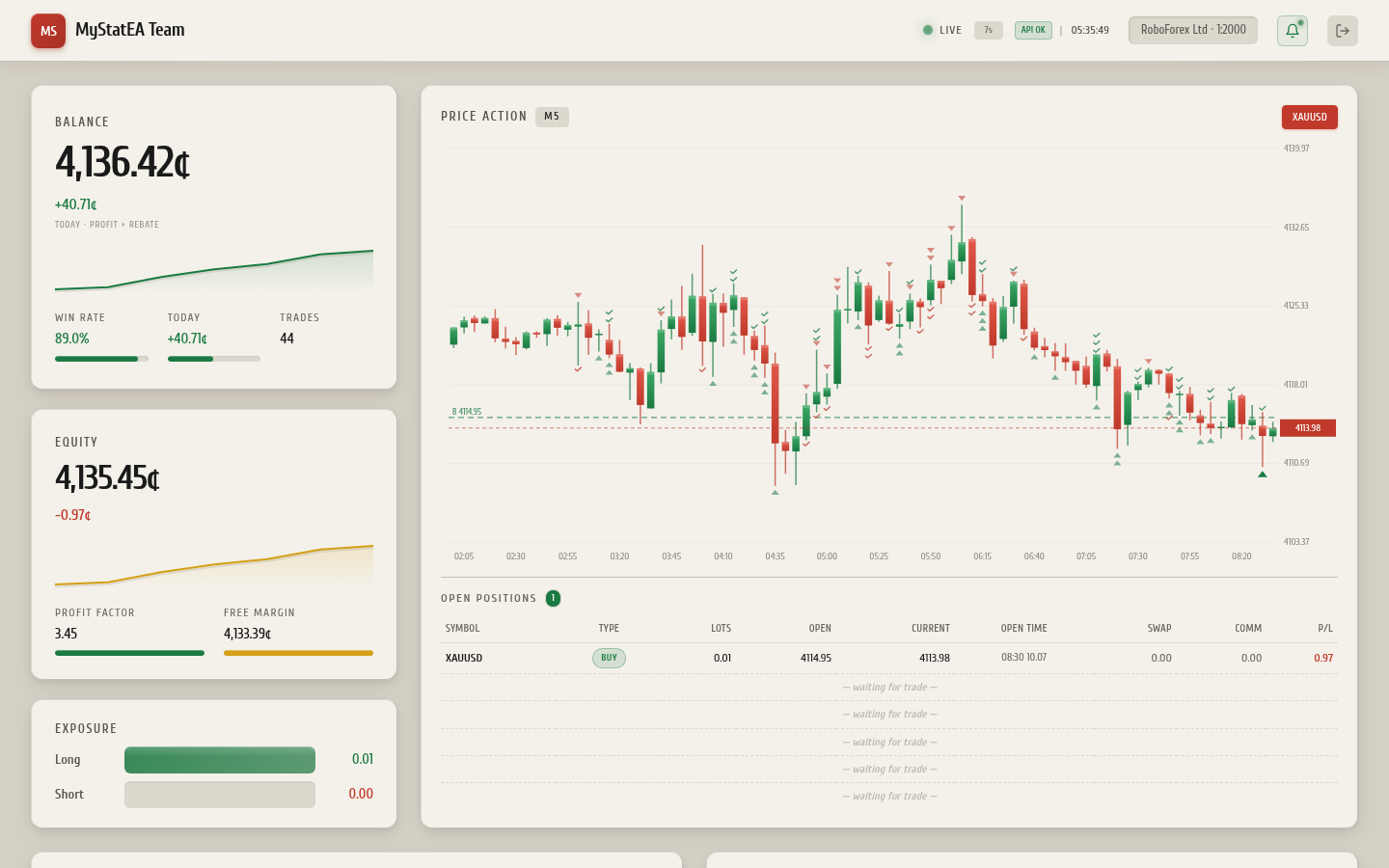
- ❌ Dashboard data stops updating
- ❌ Telegram alerts stop coming
A VPS (Virtual Private Server) is a virtual server in a data center that runs 24/7. You install MetaTrader with the advisor on it, and it runs constantly, even while you sleep.
Stability. A VPS runs in a data center with backup power, stable internet (multiple providers), and fault protection. At home, the power might go out, the internet might drop, the computer might break — on a VPS, all of this is ruled out.
VPS Requirements for MT5
MetaTrader 5 is not a demanding application. Minimum VPS requirements:
| Parameter | Minimum | Recommended |
|---|---|---|
| CPU | 1 core | 2 cores |
| RAM | 1 GB | 2-4 GB |
| Disk | 10 GB | 20-40 GB SSD |
| OS | Windows Server 2012+ | Windows Server 2019/2022 |
| Network | 10 Mbit/s | 100 Mbit/s |
MetaTrader 5 officially only runs on Windows. On Linux, MT5 can be run via Wine, but it's unstable — advisors may crash, charts may glitch. For serious work, choose a VPS with Windows Server. Most VPS providers offer Windows for an additional fee (~$3-5/month).
Free VPS from RoboForex
If you have an account with RoboForex — this is the best option. RoboForex provides a free VPS if one of the following conditions is met:
- Account balance ≥ $300
- Trading volume ≥ 5 lots per month
Free VPS specs from RoboForex:
- 1 CPU core
- 1 GB RAM
- 20 GB SSD
- Windows Server
- Data center in Europe (Netherlands)
For one MT5 terminal with 1-3 advisors — more than enough. Connected via Remote Desktop (RDP) straight from Windows.
How to Get a Free VPS from RoboForex
- Log into your RoboForex account → VPS section
- Click "Order VPS"
- Confirm that your balance is ≥ $300 or you've met the volume requirement
- Receive RDP access details by email (IP, login, password)
- Connect via Remote Desktop Connection (in Windows: Win+R →
mstsc) - Install MetaTrader 5 on the VPS
- Install the advisor (as in the regular guide)
Paid VPS — Provider Comparison
If the free RoboForex VPS doesn't work (no $300 deposit or need a different broker), here are the best paid options:
1. ForexVPS (specialized for trading)
- Price: from $19/month
- Specialization: VPS for MT4/MT5
- Data centers: London, New York, Amsterdam, Singapore
- Pros: low latency to broker servers, MT5 pre-installed
- Cons: more expensive than regular VPS
2. Beget (Russian, cheap)
- Price: from 200₽/month (~$2)
- Data center: Russia
- Pros: cheap, convenient panel, Russian support
- Cons: latency to foreign brokers, not Windows by default
3. Hetzner (Germany, cheap)
- Price: from €4/month
- Data center: Germany
- Pros: cheap, stable, European location
- Cons: Linux only by default, Windows is expensive
4. Vultr (international)
- Price: from $6/month
- Data centers: 30+ locations worldwide
- Pros: location choice, Windows available
- Cons: payment in dollars, need a foreign card
5. DigitalOcean (international)
- Price: from $6/month
- Data centers: USA, Europe, Asia
- Pros: stability, convenient interface
- Cons: no Windows by default (Linux only)
How to Choose a VPS Location
VPS location matters for latency to your broker's server. The lower the latency, the faster orders execute — critical for scalpers and HFT.
Where RoboForex Servers Are Located
RoboForex's main trading servers are in:
- 🇪🇺 Europe (Equinix LD4 in London, Frankfurt)
- 🇺🇸 USA (NY4 in New York)
If your VPS is in Europe — latency will be 1-5 ms, optimal. If in Russia — 30-50 ms, acceptable for most strategies, not for scalping.
In MT5, open the "Market Watch" window, right-click any symbol → "Specification". The server is listed there. Or look at the bottom-right corner of MT5 — it shows the connection quality to the broker's server.
How to Install MT5 on a VPS
After connecting to the VPS via Remote Desktop:
- Open a browser (Edge) on the VPS
- Download MT5 from the official metaquotes.net site or your broker
- Install as a regular program (Next → Next → Finish)
- Launch MT5, enter your trading account login/password
- Install the advisor (see the separate guide)
- Enable AutoTrading
- Close the RDP window — MT5 will keep running
Don't close MT5 before closing RDP. Just close the Remote Desktop window — the terminal will keep running. If you exit MT5 (File → Exit) — the advisor will stop.
Cost — What to Choose
| Option | Price | Who it's for |
|---|---|---|
| Free VPS from RoboForex | $0 | Anyone with a RoboForex account and balance ≥ $300 |
| ForexVPS | $19/month | Serious traders with a large deposit |
| Beget Windows VPS | from 600₽/month | Budget option for Russians |
| Hetzner + Wine | €4/month | Technical users comfortable with Linux |
| Vultr Windows | from $12/month | Need flexibility in location |
My recommendation: if you have a $300 deposit with RoboForex — take their free VPS. If not — Beget Windows VPS (for Russians) or ForexVPS (international).
Alternative — VPS from MyStatEA
We don't currently provide a VPS directly, but we recommend using the RoboForex VPS — it's free with a $300 deposit and works well for MyStatEA. If you have a RoboForex VPS, you can:
- Run MyStatEA for 24/7 account monitoring
- Run 3proxy in parallel to bypass Telegram blocks (if needed)
- Run other advisors
FAQ — VPS for MT5
Frequently Asked Questions
Can I use a Linux VPS for MT5?
How much memory does MT5 need?
Do I need to pay for Windows on a VPS?
VPS or dedicated server — which is better?
Can I install multiple MT5 instances with different accounts on one VPS?
MT5-account1, MT5-account2). Each terminal will be connected to its own account. For 2-3 terminals, you need a VPS with at least 2 GB RAM.
Conclusion
A VPS is a necessary tool for a serious trader. Without one, advisors only work while your computer is on, making automated trading impossible.
The best choice for most — free VPS from RoboForex (with a $300 deposit). If you don't have that deposit — Beget Windows VPS (for Russians) or ForexVPS (for international users).
After setting up the VPS, don't forget to install MetaTrader 5 and install the advisor — for example, MyStatEA for monitoring your account via the dashboard.